At the 24 November Partner Forum, Barry Gear and Mayka Lema shared the plan for Founders through the HubPeople connection, the same one you already use with your assistant for your pages. No admin tools, just a conversation.
Become a Founder
Ask your assistant. It collects what a sign-up would (email, name, profile and photo), creates the account and sets you as the founder. New to Founders? Read A Fully Upgraded Founder Experience.
Run Your Community
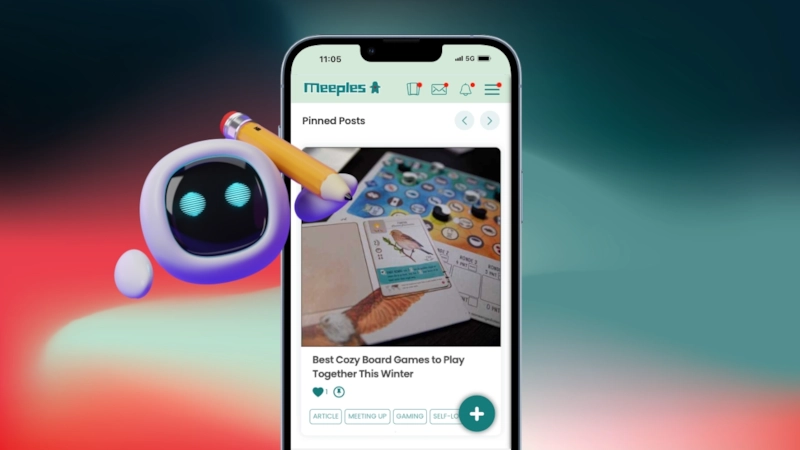
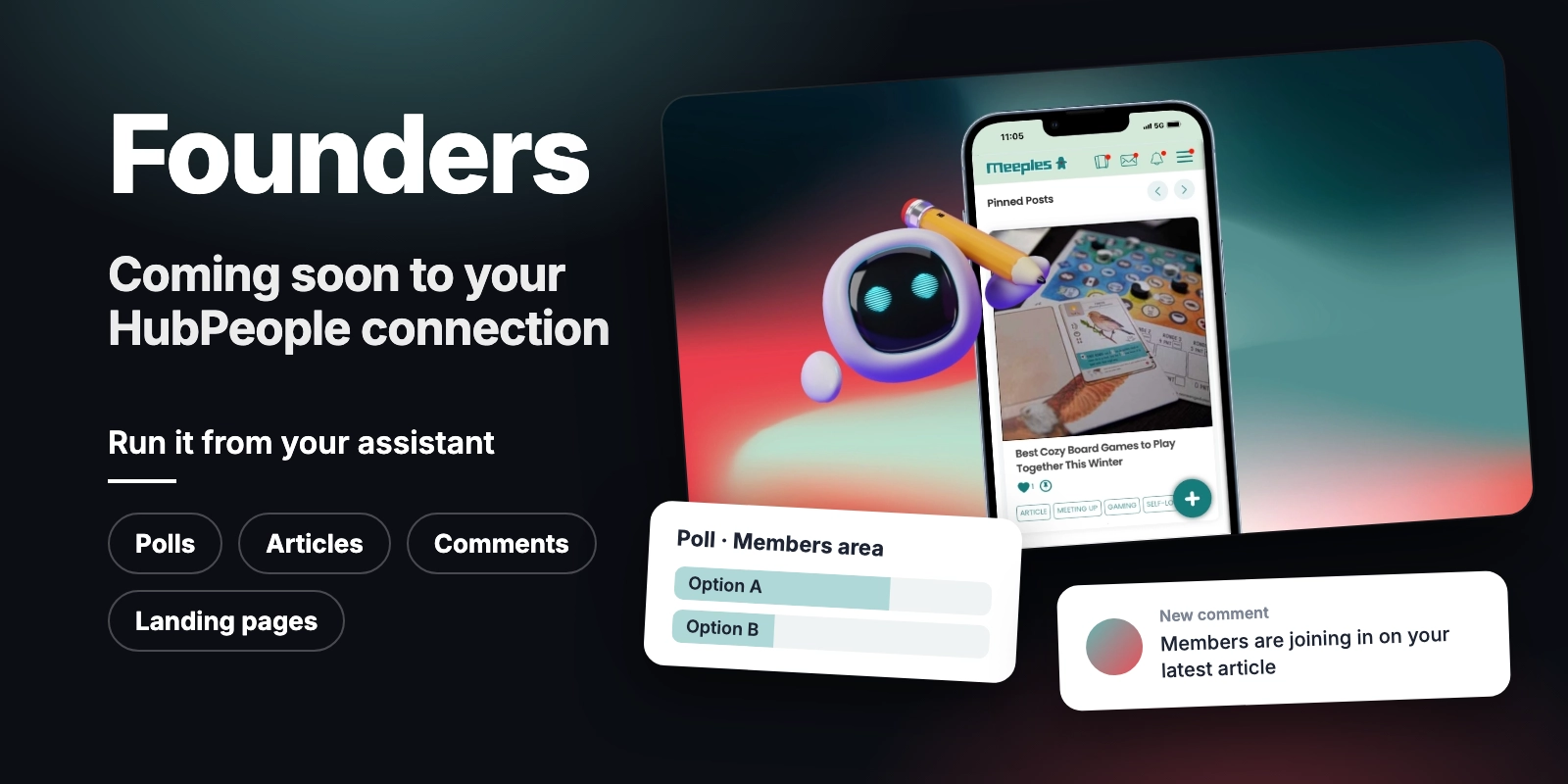
- Post polls and articles, written with your assistant, straight to your members area.
- Members join in by voting and commenting.
- It comes back to you: your assistant reads poll progress and member comments, so what members say shapes what you post next.
Fresh Content for Your Landing Pages
Use your community's polls and comments with the other HubPeople tools to keep your landing pages fresh for SEO. Next, we are exploring snippets, as with member profiles and pricing, so pages update themselves when a poll moves or a new comment lands.
What Comes After
Welcome messages so you can greet new members as their founder, and community badges to reward the behaviours that keep members engaged. Mayka explains both in the video.
See the full plan. Step through the Founders slides, or sign in to the partner portal to connect your assistant.